Jsoup Parser HTML Examples
一、本文需求說明:
想要使用JAVA程式讀取HTML檔。
二、準備相關工具及檔案:
本文使用 JVM:JDK 7
使用開發工具:
Eclipse Java EE IDE for Web Developers.
Juno Service Release 2
JAR檔: jsoup jar
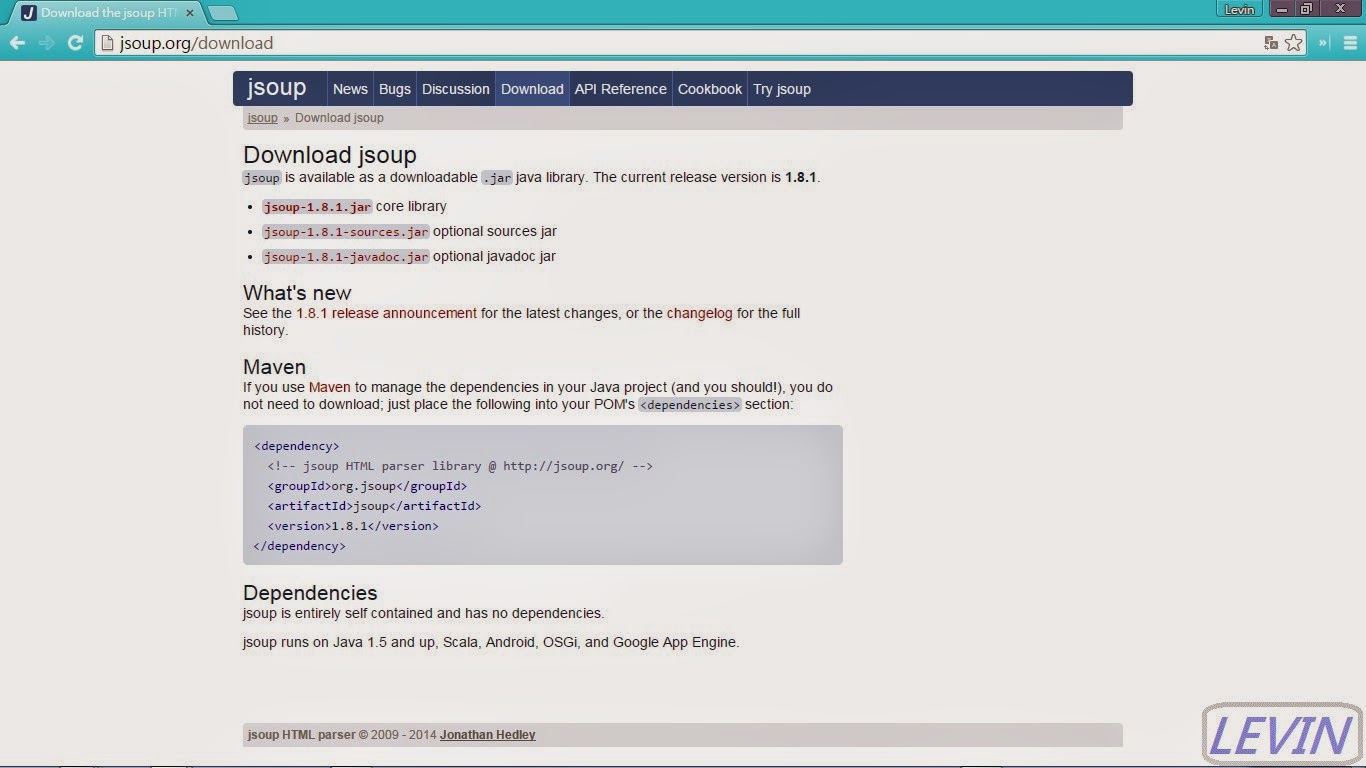
jsoup download
圖1
測試資料:
檔名:jsoupTest.html
內容:
程式:
結果:
圖2

其它文章
一、本文需求說明:
想要使用JAVA程式讀取HTML檔。
二、準備相關工具及檔案:
本文使用 JVM:JDK 7
使用開發工具:
Eclipse Java EE IDE for Web Developers.
Juno Service Release 2
JAR檔: jsoup jar
jsoup download
圖1
測試資料:
檔名:jsoupTest.html
內容:
<html>
<head></head>
<body>
 <table>
  <tr>
   <td>這裡是第一行的第一個欄位</td>
   <td>這裡是第一行的第二個欄位</td>
   </tr>
   <tr>
   <td>這裡是第二行的第一個欄位</td>
   <td>這裡是第二行的第二個欄位</td>
   </tr>
  <table>
</body>
</html>
程式:
package jsoup;

import java.io.BufferedReader;
import java.io.FileReader;
import java.io.IOException;

import org.jsoup.Jsoup;
import org.jsoup.nodes.Document;
import org.jsoup.nodes.Element;

public class JSoupExampleTest1 {
 public static void main(String[] args) throws IOException {
  BufferedReader br = new BufferedReader(new FileReader("D:/jsoupTest.html"));
  StringBuilder html = new StringBuilder();
  try {

   String line = br.readLine();
   while (line != null) {
    html.append(line);
    html.append(System.lineSeparator());
    line = br.readLine();
   }
  } finally {
   br.close();
  }
  Document doc = Jsoup.parse(html.toString());
  for (Element tds : doc.select("td")) {
   System.out.println(tds.text());
  }
 }
}
結果:
圖2
其它文章

請先 登入 以發表留言。