Squid 2.7 Proxy Server for Windows 之一 安裝說明 一、進入 Squid 網頁 Squid for Windows 圖1 本例使用 Squid 2.7 for Windows
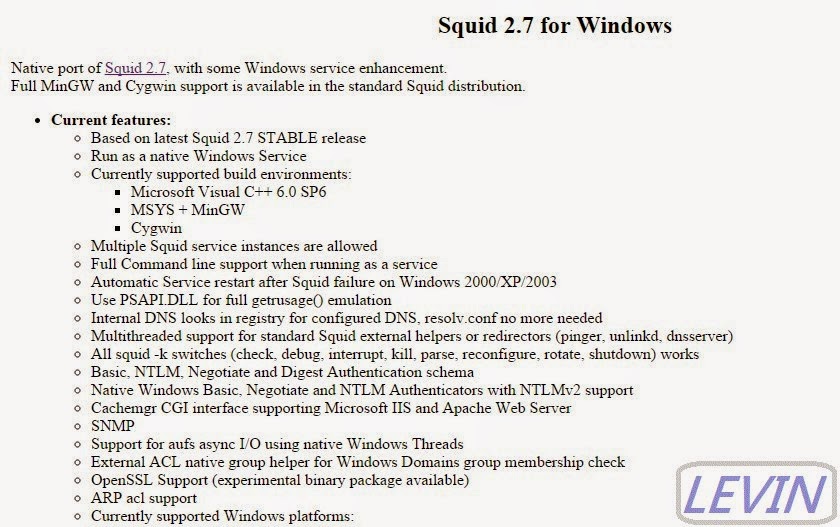
二、進入Squid 2.7 for Windows說明網頁 圖2
三、往下看。看到 Squid download Page 圖3
四、進入 Squid download Page 圖4 Select a download server (選擇下載服務) 選擇 mirror 1
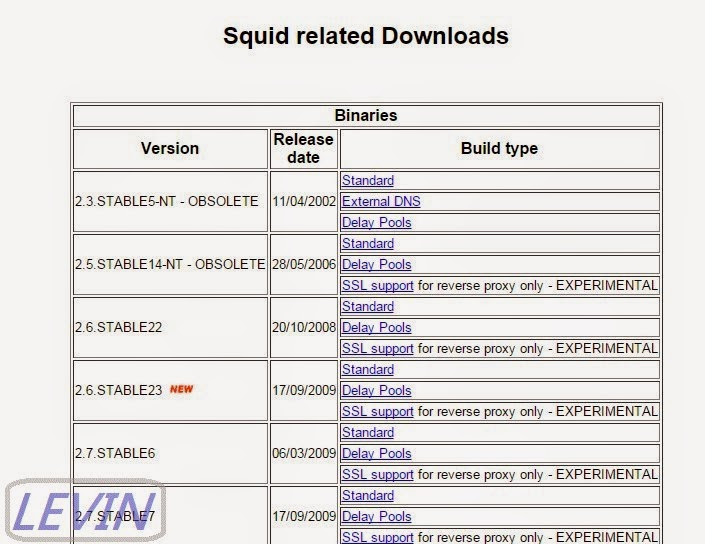
五、進入Squid related Downloads 圖5
六、本例選擇 2.7.STABLE8 - SSL support 圖6
七、下載 圖7 檔名squid-2.7.STABLE8-bin-SSL.zip
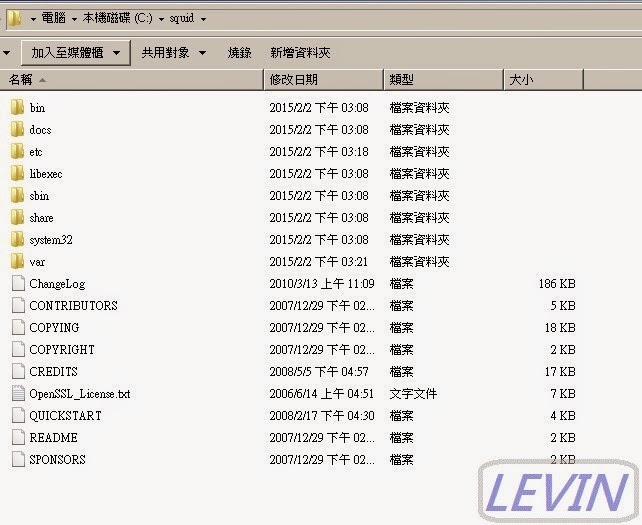
八、解壓縮到C碟 路徑:C:\squid 圖8
進入下一篇: Squid 2.7 Proxy Server for Windows 之二 設定說明
文章標籤
全站熱搜

 ZK (1)